Scan your channels without missing the check-in
Use scan, delay, priority, and hold without losing your scheduled call.
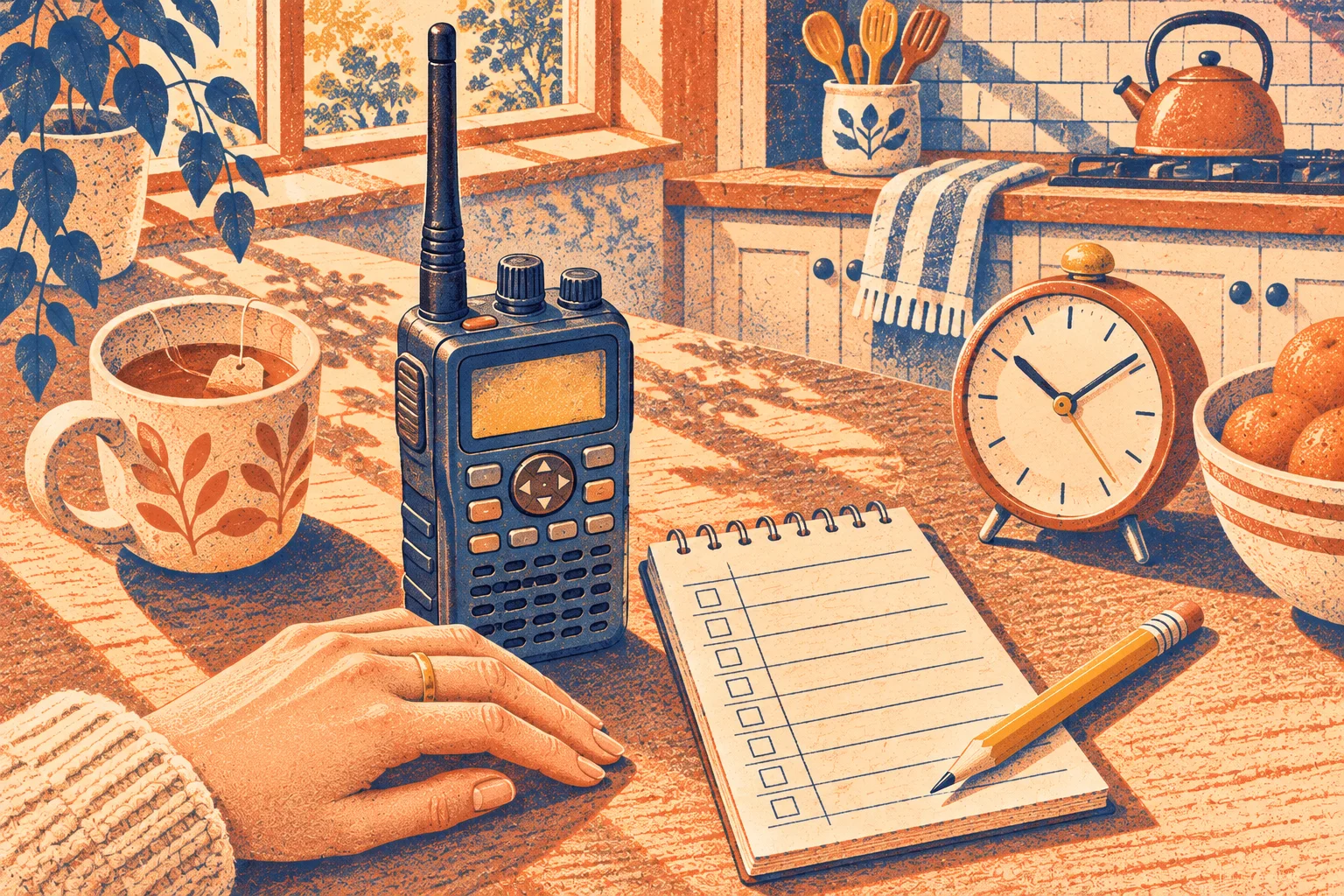
Your neighborhood uses one direct channel and a nearby repeater. Scanning lets you listen for activity on both, but a busy conversation can keep the radio away from the channel where your partner is calling. Build a listening habit around the check-in schedule.
This series starts with channels your group already uses, then compares listening equipment and turns what you hear into a careful report.
Scan a short list you understand
Scanning checks a programmed list for activity. Searching steps through a frequency range looking for signals. Start with a short, named scan list rather than an entire band. Keep channels whose purpose and settings you recognize. Read your own model's manual for its scanning controls. The Uniden BC125AT manual provides an example of the distinction, not button instructions for every radio.
For a first exercise, use your primary check-in memory and one agreed alternate. Add a local amateur repeater only if the receiver supports its mode. A certified GMRS handheld's scan list and an amateur radio's list can differ. Keep transmissions within your service privileges and radio authorization. Compare radio services
Put continuous broadcasts such as NOAA Weather Radio in a separate listening task or receiver. A scanner that stops on a continuous broadcast may stay there instead of returning to the group channels.
Learn the settings that change what you hear
| Setting | What to check on your model |
|---|---|
| Scan list / bank | Which memories are actually included |
| Squelch | Set just high enough to quiet background noise; an excessive setting can hide weaker signals |
| Resume behavior | Whether scanning restarts after a time limit, after the carrier disappears, or only after you release a hold |
| Delay | How long it waits after a transmission before moving on, allowing a reply on that channel |
| Priority check | Whether it periodically samples another channel and interrupts the current audio |
| Receive tone / code | Whether a mismatch keeps speech muted even when a signal is present |
Names and behavior vary. A delay can help catch replies but also keeps the receiver away from other channels longer. A timed-resume setting may leave an active conversation before it ends. Manufacturer scan and delay examples
For a handheld example, the original BF-F8HP uses TO, CO, and SE scan-resume settings. TO resumes after a fixed interval, CO resumes after the signal disappears and the radio's delay, and SE stays stopped until scanning is restarted. Its name “Search Operation” describes that resume behavior; it does not mean searching a frequency range. These are model-specific examples. Check your own manual before transferring the settings to another radio. BF-F8HP manual, Chapter 5, printed pages 33–34
On some scanners, conventional priority checks briefly interrupt what you are hearing. The priority setting is a sampling feature, not a second continuously listening receiver. Read the model-specific guidance before relying on it. Uniden priority-scan explanation
Know where PTT will transmit
A transceiver may transmit on the selected memory, the channel where scanning stopped, or another configured channel. Verify the model's behavior before using PTT. Stop scanning, deliberately select the intended transmit memory, and confirm it before making a call. A receive-only scanner avoids accidental transmission but cannot answer a check-in.
An amateur handheld hearing a GMRS channel does not establish permission to transmit there. Avoid programming transmit capability onto monitoring-only memories when the radio supports a documented receive-only setting. Use a dedicated receiver when that better fits the job.
Hold for the appointment
At the agreed check-in time, stop scanning and hold on the designated channel. Begin listening early enough to catch the first call. Stay for the full window, then follow the printed switch time and backup sequence. Tell the group when a designated listening station will be available; a scan icon alone does not establish a watch.
If you catch only the end of a call, say so and request a repeat on a channel where you are authorized to transmit. Do not reconstruct a missing location or number from context. How to talk on the radio · Verify a report
Transmit
With a willing authorized partner, label every call as an exercise. Scan two agreed channels while your partner sends three short calls at scheduled times. Log which beginnings and details you actually heard. Repeat while holding on the primary channel. Compare the results and write down when your group will stop scanning, which memory it will select, and how long it will listen before switching. Keep tests brief and yield to other users.