How to program a BaoFeng BF-F8HP from the keypad
Use the keypad to save a simplex channel and a repeater channel.
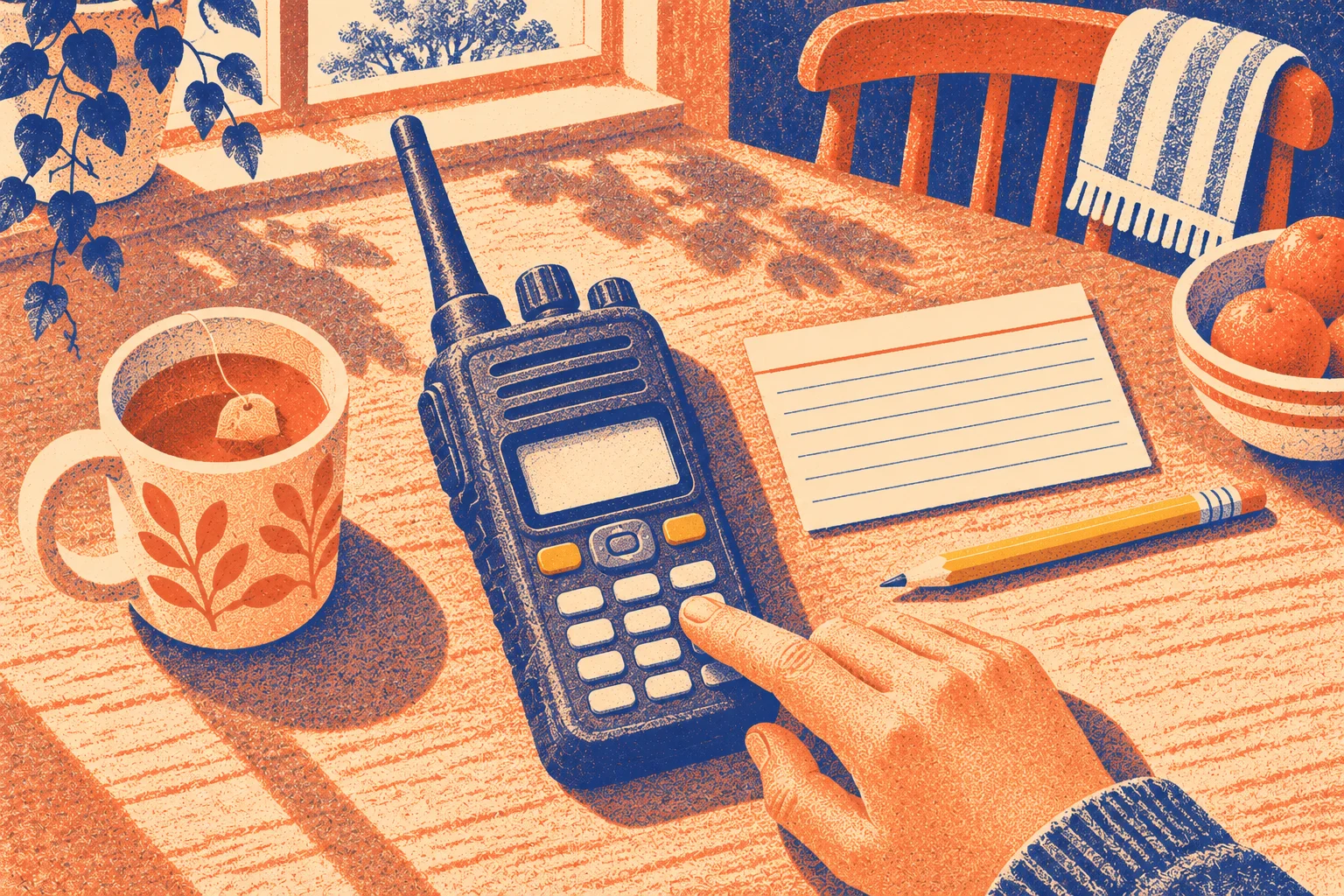
The BF-F8HP can save a channel from its keypad. For a simplex channel, save the same frequency for receive and transmit. For a repeater, save its output first, then write its input into the same memory slot. That second save is what gives the memory its separate transmit frequency. BF-F8HP user manual
These steps cover the original BF-F8HP for analog FM amateur radio. Use the sample numbers to follow the keypad sequence and substitute frequencies, bandwidth, and tones from your local plan or repeater listing. Transmit only when authorized for the frequency and mode. BF-F8HP user manual · FCC guidance on VHF/UHF handhelds
Equipment for this guide
I may earn a commission from purchases made through the BTECH links in this section.
- BaoFeng BF-F8HP handheld — The original dual-band analog FM model used in the amateur radio series.
Mode Change
Press VFO/MR to enter frequency mode, then press A/B until the arrow points to the top line, A. Use that line to program memories. If the keypad is locked, hold # to unlock it.
Each menu sequence below starts at the normal frequency display. For example, MENU → 25 → MENU → OFF → MENU → EXIT means open the menu, press 2 and 5, press MENU to edit, select OFF with ▲/▼, press MENU to save, then press EXIT. For frequencies, enter the six digits shown in the examples without the decimal point.
Pick an unused memory from 000 to 127. Use menu 27 (MEM-CH) to select the slot. On the BF-F8HP display, an existing memory is shown with a CH- prefix. If you deliberately want to replace an old memory, record its settings first, then use MENU → 28 → MENU → slot → MENU → EXIT to erase it. Saving to an occupied slot with menu 27 can change its transmit frequency while leaving its receive frequency in place. BF-F8HP user manual
Save a simplex channel
- In frequency mode on line A, enter the agreed frequency. For 146.550 MHz, press
146550. - Set 25 (SFT-D) to OFF. Set 5 (WN) to the FM bandwidth agreed with your partner. For a tone-free channel, set menus 10–13 to OFF so old tone settings don’t carry over.
- Save to an empty slot, such as 021, with
MENU → 27 → MENU → 021 → MENU → EXIT. - Press VFO/MR to return to channel mode, select 021, and verify the memory before transmitting. BF-F8HP user manual
Save a repeater channel
Read the listing from the handheld’s point of view. RX is the repeater output. TX is the repeater input. In this example, the output is 146.940 MHz, the offset is −0.600 MHz, and the transmit tone is 100.0 Hz CTCSS. The handheld transmits on 146.340 MHz. If the listing gives the input explicitly, use that value.
- In frequency mode on line A, set 25 (SFT-D) to OFF. This sequence enters the receive and transmit frequencies directly. Set 5 (WN) to match the repeater.
- Enter the output with
146940. For this example, leave receive tone and both DCS settings off (menus 10, 11, and 12). Set the transmit tone withMENU → 13 → MENU → 100.0 Hz → MENU → EXIT. Use ▲/▼ to select 100.0. If the repeater uses transmit DCS instead, use menu 12 (T-DCS) with the specified code and polarity and set menu 13 to OFF. - Save the receive frequency to an empty slot, such as 022, with
MENU → 27 → MENU → 022 → MENU → EXIT. - Still in frequency mode on line A, enter the input with
146340. Leave the transmit tone set. Save again to the same slot withMENU → 27 → MENU → 022 → MENU → EXIT. - Switch to channel mode with VFO/MR and recall 022. Set menu 21 (MDF-A) to FREQ if the top line is showing a channel name or number, then check the output. Briefly tap *SCAN to activate Reverse and check that the display shows the input. Tap it again to return to normal before using the channel. BF-F8HP user manual
Tx/Rx
| Menu | Label | What it controls |
|---|---|---|
| 10 | R-DCS | Opens your speaker only when the matching DCS code is received |
| 11 | R-CTCS | Opens your speaker only when the matching CTCSS tone is received |
| 12 | T-DCS | Sends the chosen DCS code while you transmit |
| 13 | T-CTCS | Sends the chosen CTCSS tone while you transmit |
If you can hear the repeater but it doesn’t respond to your call, check the stored input frequency and transmit tone first. If the receive light comes on but the speaker stays quiet, check whether a receive tone or code is filtering the audio. BF-F8HP user manual
Transmit
Power-cycle the radio, recall each memory, and verify its frequencies again. If you’re licensed, arrange a short check-in with another operator. Ask them to confirm your audio on simplex and, where permitted, through the repeater. Record the memory number, RX, TX, bandwidth, and tone on your comms plan so someone can rebuild the channel from the keypad.