Your first radio check with a BaoFeng BF-F8HP
Learn the basic controls and practice sending and confirming a check-in.
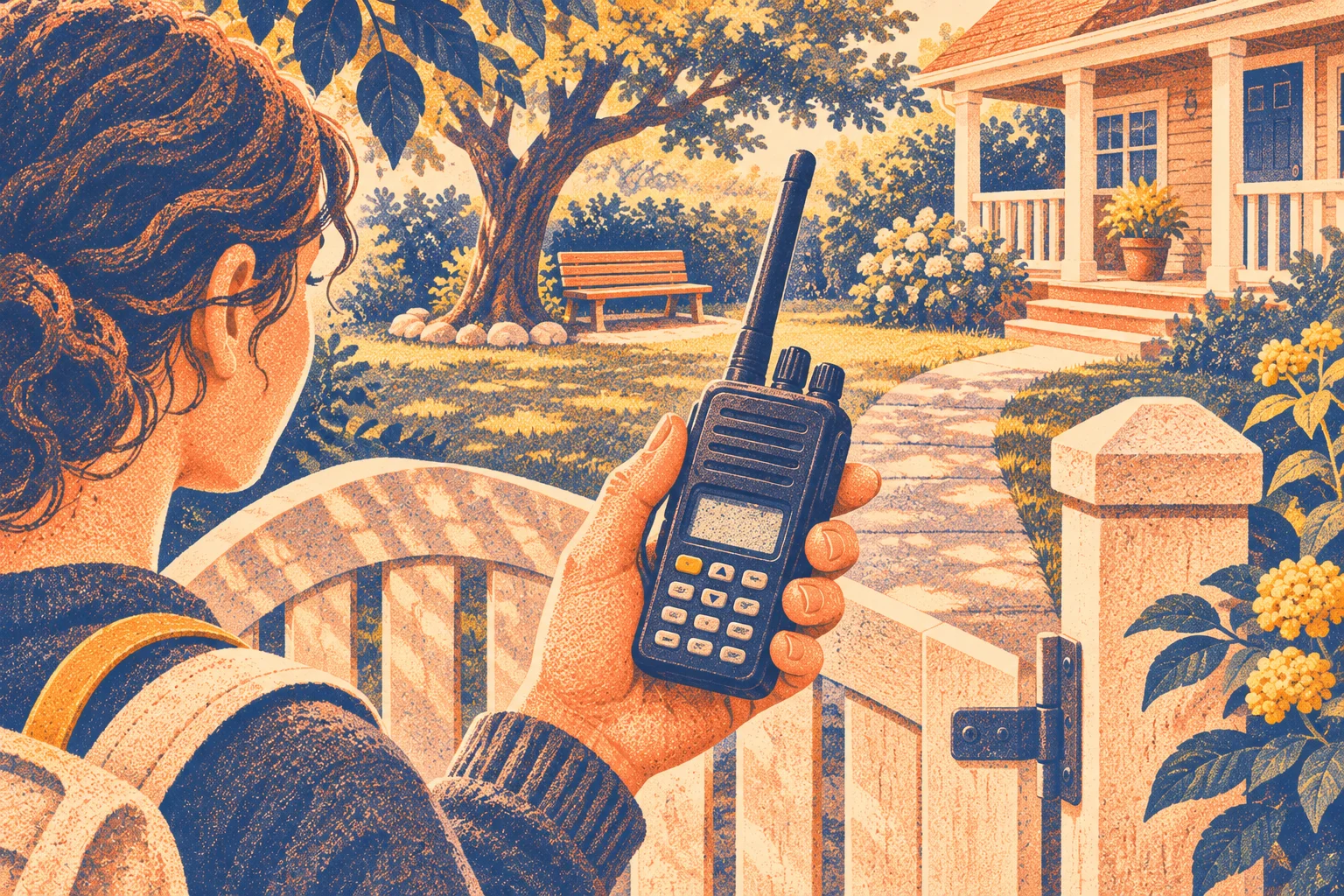
You’ve charged the radio and turned it on. There are two lines on the screen, a keypad full of shortcuts, and nobody coming through the speaker. Start with one person, one agreed frequency, and one short check-in. Once you can repeat that exchange, you have something you can put in a communications plan.
This walkthrough uses the original BaoFeng BF-F8HP and U.S. radio rules. BTECH lists it as a third-generation UV-5R. Check that yours says BF-F8HP before following these steps. The BF-F8HP PRO is a separate model. BF-F8HP user manual
Equipment for this guide
I may earn a commission from purchases made through the BTECH links in this section.
- BaoFeng BF-F8HP handheld — The original dual-band analog FM model used in the amateur radio series.
Before you press the talk button
For this amateur-radio exercise, arrange a check-in with another licensed amateur operator. Agree on a local frequency where both of you are authorized to use FM voice. If you’re still working toward your license, you can practice the controls and listen with a partner who transmits from their own station. FCC guidance on handheld VHF/UHF radios
If your family or neighborhood plan uses FRS, use FRS-certified radios. FRS generally requires no individual license. GMRS requires a GMRS-certified radio and a license, which can cover eligible immediate family members. A frequency you can enter on the keypad tells you where the radio can tune. The service rules tell you which radio and authorization you need to transmit there. FRS certification · GMRS certification · GMRS licensing
Set up one direct channel
- Attach the antenna and fit a charged battery. Turn the top knob clockwise to power on and set a comfortable volume.
- Pick the active display line. Press A/B until the arrow points to the line you intend to use. Check that arrow again before transmitting.
- Choose how to tune. Press VFO/MR to switch between entering a frequency and selecting a saved channel. If your radio has a saved channel for this exercise, select it. Otherwise, use frequency mode and enter the agreed frequency in MHz with the keypad. The radio supplies the decimal point.
- Confirm the settings with your partner. For a simple direct test, called simplex, both radios transmit and receive on the same frequency. Confirm that the repeater shift and any tone settings are off for this exercise. If you’re unsure what a saved channel transmits on, have an experienced operator check it before you key up. BF-F8HP user manual
Tx/Rx
Listen first. When the frequency is clear, hold the side PTT button, pause briefly, and speak in a normal voice. Release PTT to hear the reply.
“[Partner’s call sign], this is [your call sign]. I’m at the front gate. I’ll stay here. Next check-in at 3:15. How do you copy?”
Ask your partner to repeat the detail that matters, such as where you’ll wait or when you’ll check in again. That tells you they understood the message. In U.S. amateur radio, give your assigned call sign at the end of the exchange and at least every ten minutes during a longer one. Amateur station identification rule
Mode Change
If you get silence, use your backup contact method to compare both screens. Check the active line, frequency, volume, and tone settings. If you can hear each other nearby but lose contact at the intended locations, try moving outdoors or to a safe spot with fewer obstructions. Agree in advance on how long to wait and when to switch to your backup.
Transmit
Start with your partner a short distance away and exchange one check-in in each direction. Then repeat from two places you’d actually use in your plan, such as home and the neighborhood meeting spot.
Write down where the exchange worked both ways, which channel or frequency you used, and what you’ll do after a missed reply. Your test is complete when both people can find the setting, send and confirm a check-in, and explain the fallback from memory.