Build an offline communications reference kit
Save the plan, manuals, and operating references you can find and use when the internet is down.
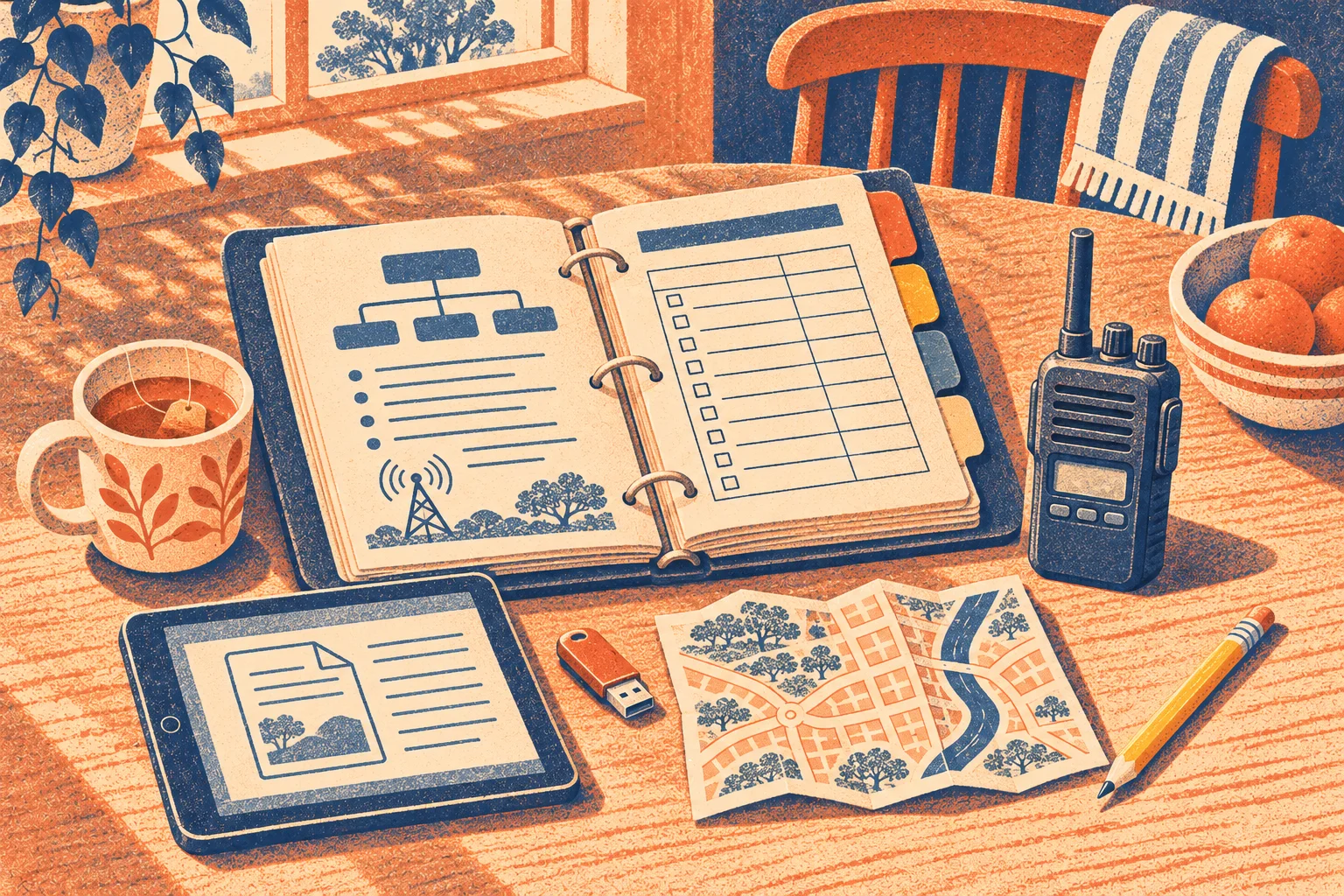
A windstorm cuts power across town. Your home internet is down, and a neighbor arrives with a radio they haven’t used in months. The channel card is in the bag, but nobody remembers how to unlock the keypad. The manual is saved as a browser bookmark. An offline communications reference kit puts the instructions, contacts, and forms you need within reach while you work.
Start with one folder on a device you already carry and a few printed sheets beside the radio. Build it around the jobs your family or group has practiced.
On the card
Put your own plan at the front. Include who to contact, when to listen, the primary method, the backup, and what to do after a missed reply. Add the revision date and the person responsible for keeping it current. Use the Field Guide’s builder to print a copy or save a PDF. Communications plan builder
Keep these items together.
- The current plan and contact list. Include agreed meeting places, an out-of-area contact, and verified local reporting routes. Share each copy with the people who need those details.
- A radio setup card and the correct manual. Record the model, how to find the agreed channel, how to unlock the controls, and the tone settings if used. For a programmable radio, keep a dated CHIRP CSV and the original radio image alongside the instructions.
- A net script and blank log. Leave space for the time, station, message, acknowledgment, and follow-up owner. Print several blank copies. Run a community radio net
- A local map and coverage notes. Mark tested operating positions, meeting places, and relay locations. Include the date and equipment used for each coverage test. Map dead spots and relay locations
On a phone or tablet, use the download or save-to-files control and confirm the file appears in local storage. Open it with Wi-Fi and mobile data disabled. A bookmark alone still depends on reaching the website.
Choose references you can use
Download the manuals while you have a working connection. Use the section headings below to make your own index. Printed page numbers can differ from the page count shown by a PDF reader.
For neighborhood organizers
The ARRL ARES Manual, March 2015, has a particularly relevant passage called Working with the Public, on printed pages 41–44. It discusses joining neighborhood groups, testing coverage, using relays, and teaching radio procedure. Read that passage while preparing your first neighborhood practice, then turn the applicable ideas into your own short instructions. Download the 2015 ARES Manual
Its GMRS licensing details are dated. Check the current rules when selecting a service or preparing a channel card. Our licensing series links to the FCC references. U.S. radio licensing
For learning calls and check-ins
The FEMA CERT Emergency Communications Participant Manual, May 2012, provides lessons on Communications Plans, Basic Radio Anatomy, and Communication Operations. In Communication Operations, start with Net Operations, printed page 28, and Tactical Call Signs, printed page 33. Use these to discuss who calls whom and how a receiver confirms a message. This copy is hosted by San Mateo Consolidated Fire Department. Download the CERT manual
Some radio descriptions and regulatory information reflect the manual’s age. Adapt an exercise to the equipment, permissions, and roles your group actually has. For a first practice, pair the reference with our plain-language calling guide. How to talk on the radio
For net control and licensed volunteers
Use the ARRL ARES Field Resources Manual, August 2019. Begin with First Things First and its Initial Action Checklist. Then bookmark Basic Operating Principles, Message Formats, and Local Net/Contact Information. These sections help a coordinator prepare the station, record traffic, and organize local reference details. Find sections by heading in this edition. Download the 2019 Field Resources Manual
For people preparing to volunteer with ARES, add the July 2025 ARES Plan, especially Our Expertise and Capability, and the July 2024 Training Plan Task Book, starting with the Basic level. Discuss the local training and assignment process with your ARES coordinator. Download the 2025 ARES Plan · Download the 2024 Task Book
If your plan includes mesh messaging
Save the Meshtastic Getting Started instructions for your hardware and the Encryption explanation. Record the firmware and app versions you tested, and keep your pairing and channel instructions with the nodes. Check that a saved page includes its diagrams and opens offline. Keep channel keys with the people authorized to use them. Meshtastic Getting Started · Meshtastic Encryption
Make it easy to find
Name the folder Communications Kit and add a one-page index with a few questions someone might ask. Write the filename and section beside each answer.
| When someone asks | Point them to |
|---|---|
| Who do I call, and when do we switch? | Current plan |
| How do I unlock this radio? | Model-specific setup card and manual |
| What do I say when the net opens? | Net script and calling guide |
| How do I record a request? | Blank log and message-handling reference |
| Where can I reach the other neighborhood? | Tested coverage map and relay instructions |
Keep a second copy on another device or a USB drive you have tested with your equipment. Carry the cable or adapter it needs. Print the plan, setup card, script, and index so a flat battery still leaves you a way to proceed. Review the kit after a drill, a radio change, or a change in contacts. Keep shared plans current
Transmit
Run a fifteen-minute offline exercise with a partner. Use fictional contacts and requests.
- Turn off Wi-Fi and mobile data on the reference device. Open the kit from its saved folder.
- Hand your partner the radio and ask them to find the primary channel using the setup card. Use a service and settings both operators are authorized to use.
- Find the net script and pass a short exercise request. Have the receiver read back the location and next check-in time, then record the acknowledgment in the log.
- Put the device aside and repeat the lookup using the printed sheets.
- Record what was missing, unclear, or slow to find. Fix one item and repeat that part of the exercise.
The useful kit is the one another person can open, understand, and use when you’re busy answering the radio.