Home Base
Build a home radio station for check-ins with handhelds, vehicles, and nearby households.
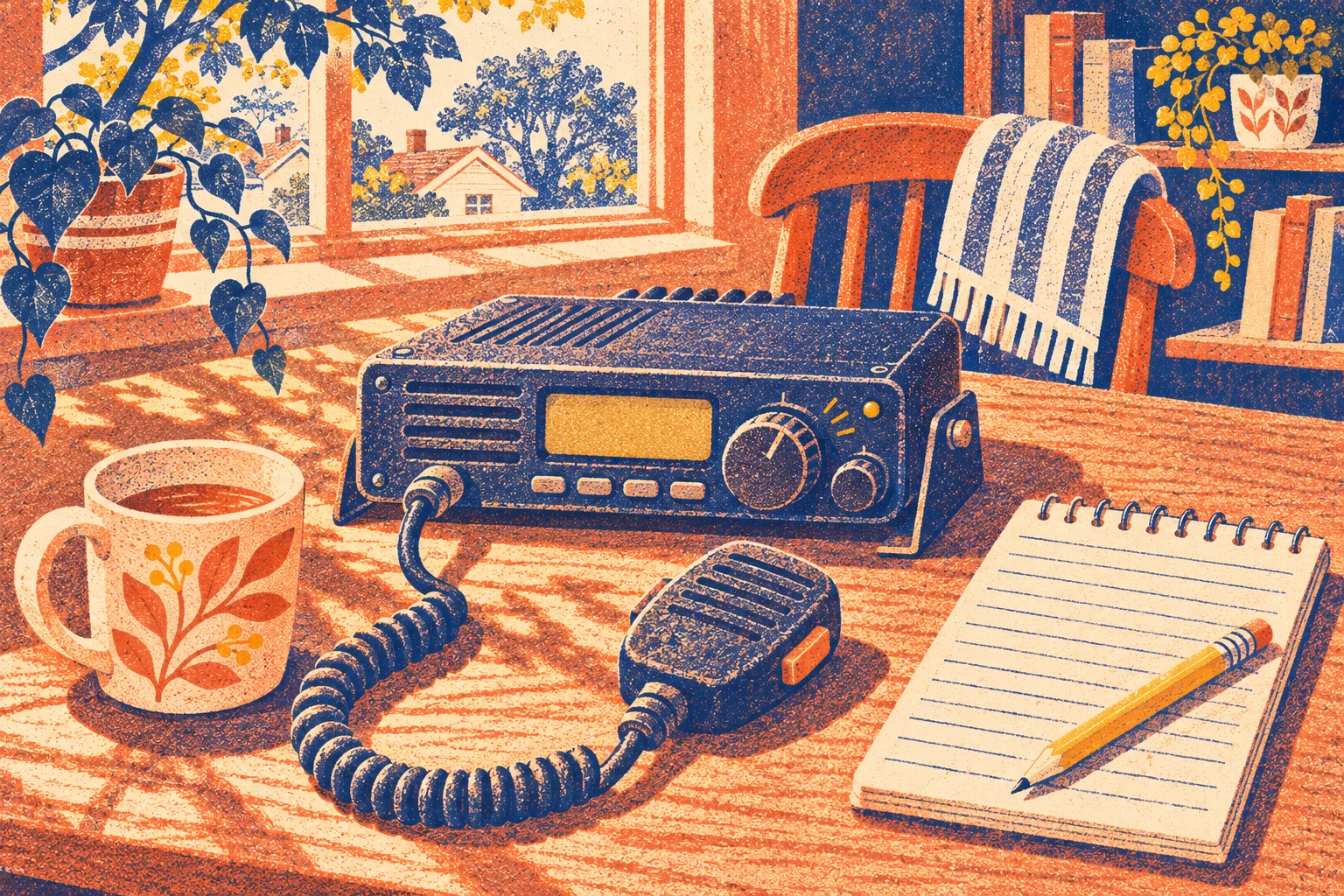
At six o’clock, someone at home listens while a neighbor calls from the meeting spot and a family member checks in from a parked vehicle. The person at home can take notes, repeat an instruction, or pass along a message. Build the station around that job. Write down who will listen, when they’ll be there, and what everyone will do if the base goes quiet.
Plan the link before buying gear
Try the direct path first with the radios you already have. If FRS handhelds work from the spots people actually use, give one radio a regular place at home and keep it charged. If you need an external antenna and your group uses GMRS, a certified GMRS mobile radio can serve at home with a suitable DC supply. A 2 m/70 cm amateur FM mobile is an option for licensed amateur operators.
For U.S. GMRS, a home station calling mobiles directly can operate as a base station. When it accesses a repeater from home, it operates as a control station. A station that only talks directly to other fixed stations falls under the separate fixed-station rules, including a 15 W transmitter output limit on the main channels. Check the permitted channel and power for the role. For direct practice with GMRS and FRS users, choose a clear shared channel in 15–22 and start at the lowest usable power. GMRS channels 8–14 are handheld-only, and 1–7 limit eligible GMRS stations to 5 W ERP. Match the channel, direct or repeater mode, and any tones before the drill.
Compare FRS, GMRS, and amateur radio · FCC station definitions · FCC GMRS channel rules · FCC GMRS power limits
Place the antenna and route the coax
Start with a vertical antenna for check-ins in several directions. Look for a location with a clear path toward the people on the plan. A window-side handheld test can help identify a promising side of the house. Metal roofing, foil-backed insulation, and nearby buildings can weaken indoor paths. If you can only mount indoors, account for RF exposure in adjacent rooms and floors before transmitting.
Measure the cable run before you buy. Choose 50-ohm coax and compare published loss at the highest frequency you’ll use and at the length you need. Extra height can improve the path, but a long, lossy cable can give up much of the benefit at UHF. Check connector types on the radio, surge protector, and antenna before ordering. Leave enough cable for a drip loop and strain relief, and weatherproof outdoor connections.
Plan safety before putting up a mast. Choose a site where the antenna, mast, and tools cannot reach overhead power lines, even if the mast falls. Have a qualified installer handle roof work and plan the mast bonding, coax entry, and surge protection with the building’s grounding system under local electrical code. Follow the radio maker’s antenna gain and separation limits. For amateur operation, check whether your installation requires an RF exposure evaluation and include anyone who could come near the antenna.
ARRL grounding and bonding · FCC amateur station rules · ARRL RF exposure calculator
Power the station
Match the regulated supply to the radio’s voltage and maximum DC transmit current, with room for any accessories on the same supply. The radio’s advertised RF wattage is different from its electrical power draw. Use the manufacturer’s specified wiring and fuses, check polarity, and keep airflow around the radio and supply. Use the supply’s output terminals rated for the load.
For backup power, keep a charged handheld as the simplest fallback. If the desktop station must stay on, use a compatible DC battery and charger or a suitably rated AC UPS. Check how the battery handles peak transmit current and use a protected, fused setup approved for its chemistry. To estimate DC battery capacity, multiply the average current by the hours you need. For example, 0.5 A on receive and 10 A on transmit, with transmit taking 5% of the time, averages roughly 1 A. Eight hours takes about 8 Ah before reserve, conversion losses, and the battery’s usable capacity. Confirm the estimate with an actual check-in on backup power.
Equipment options
I may earn a commission from purchases made through the BTECH links in this section.
| Setup | Radio, antenna, and power options |
|---|---|
| GMRS home station | BTECH GMRS-50PRO with the Comet CA-GMRS, a mast-mounted vertical specified for 462–468 MHz with an SO-239 connector. It covers the usual direct and repeater transmit frequencies. |
| 2 m/70 cm amateur FM | BTECH UV-50PRO with the Diamond X50A, a mast-mounted vertical with an SO-239 connector. Diamond specifies 144–148 and 435–450 MHz. Verify that your chosen channels are in the antenna’s range and that the installation meets the radio’s RF exposure instructions. |
| AC power for either radio | BTECH RPS-30M, a regulated supply rated for 25 A continuous. Use the direct output terminals and confirm the set voltage and load against the radio manual. |
Budget for the mast or bracket, coax with matching connectors, entry hardware and surge protection, and any backup power you intend to test. An antenna’s gain changes where it sends energy. Verify that its pattern, gain, and placement suit your path and the radio’s installation limits before choosing it.
Tx/Rx
Check the antenna match at the intended transmit frequencies before increasing power. Call a partner using a handheld at the first check-in location. Have them read back one detail, then have them call you and confirm their message. If the base comes through clearly but the handheld doesn’t, test from a different spot, inspect the feed line, and check for local receiver noise before increasing base power.
Mode Change
Put the primary channel, backup channel, listening window, and who calls first on a card by the radio. If the direct path fails, try a tested repeater if everyone on that path is authorized to use it. If the base goes offline, use the agreed handheld or other backup path at the time on the card.
Transmit
Arrange one check-in with a handheld and one with a parked vehicle. Confirm both directions on normal power. Then switch to backup power using the equipment’s normal procedure and repeat one check-in. Record whether the station rebooted, whether you had to reselect the channel, and how you’ll reach everyone if the base is unavailable.