Set up the radio and computer for digital HF
Set up audio, radio control, PTT, and clock sync before transmitting.
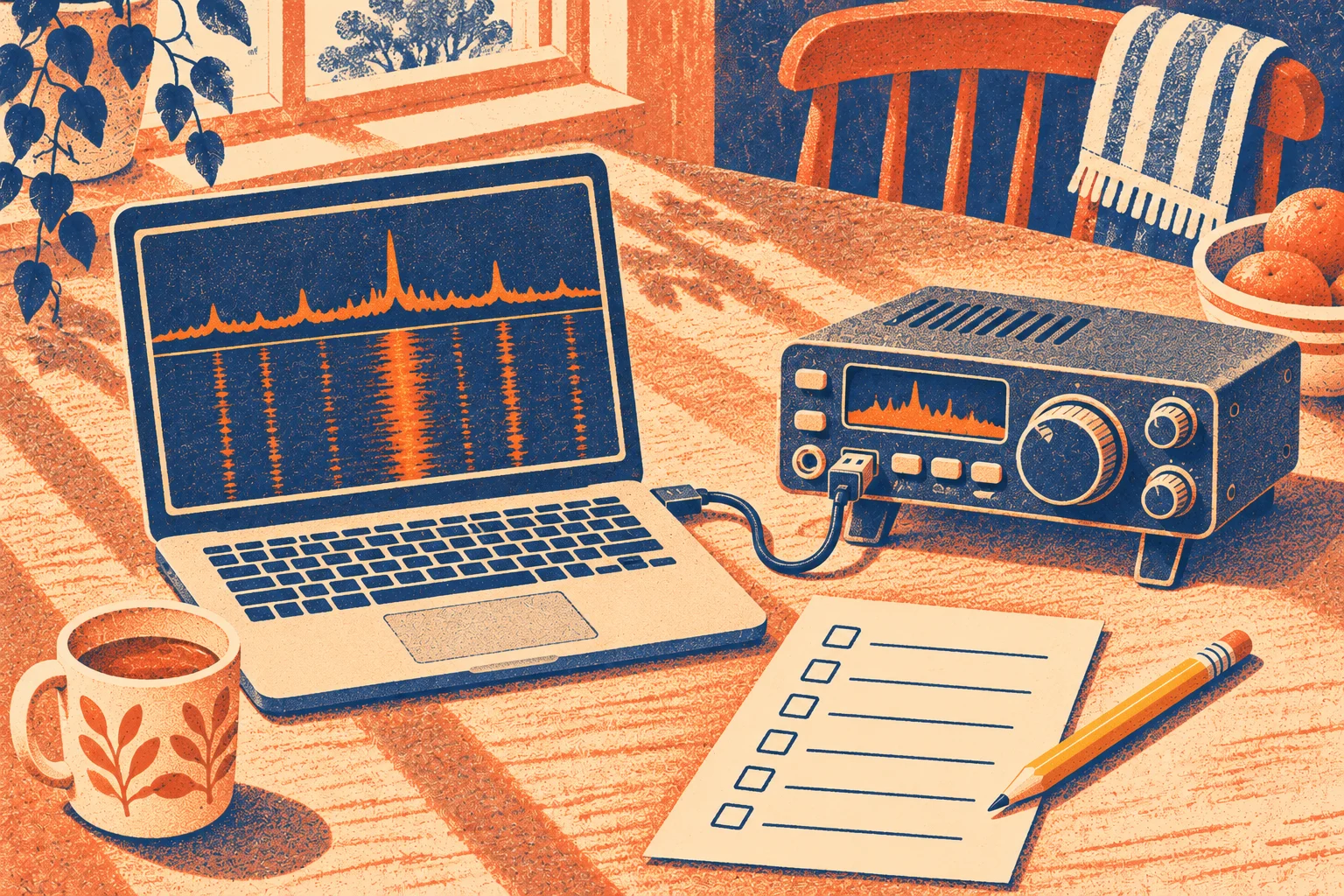
Pine Ridge and Cedar Valley have tested a regional voice path. Now they want to pass the same report in writing. Start with one radio and one application at each end. JS8Call lets you test receive audio and timing before you key the transmitter.
Connect one thing at a time
- Audio. Use the radio’s built-in USB audio device or a compatible interface. In the application, select the radio’s audio input and output. Mute computer notifications or send them to a separate output so they stay off the air.
- Radio control. If you’re using CAT control, choose the radio model, serial port, and settings specified by the radio and software. Verify that the app reads the radio’s frequency and that a change in the app appears on the radio. If you tune manually, confirm the frequency at both ends.
- Push-to-talk. Choose the PTT method supported by your interface or radio, such as CAT or a hardware keying line. Check which audio input the radio uses when PTT is active. Use the radio’s data mode or input settings as specified in the manual.
- Clock. Synchronize the computer clock before the exercise. JS8Call depends on accurate timing. If the computer may be offline, practice checking its clock against a trusted reference available to your group. JS8Call user guide
Decode first
Keep transmit and automatic replies off. Tune to a known JS8Call activity frequency with the radio and app set as the guide specifies. Watch the waterfall for activity and wait through several cycles. A visible trace tells you the sound path is active. A decoded call sign tells you the software can read a signal. If decoding fails, check the audio device, mode, clock, and tuning before changing transmit settings. JS8Call setup and operating guide
Test transmit levels
Use the radio’s digital duty-cycle guidance and begin at low power. If you have a suitable dummy load, use it for the first PTT and audio test. Follow the radio manual for data input gain and ALC. Adjust audio as the manual directs to avoid overdriving the transmitter. For an on-air check, choose a frequency and emission within your privileges and use the minimum power needed for the exchange. FCC emission rules · FCC transmitter power rule
Transmit
With a partner, decode one directed test message and verify the sender’s call sign. If you’re authorized to transmit there, return a short reply and have the partner confirm what they decoded. Record the audio device, PTT method, dial frequency, mode, and power that worked. Save the settings and repeat after restarting the application.